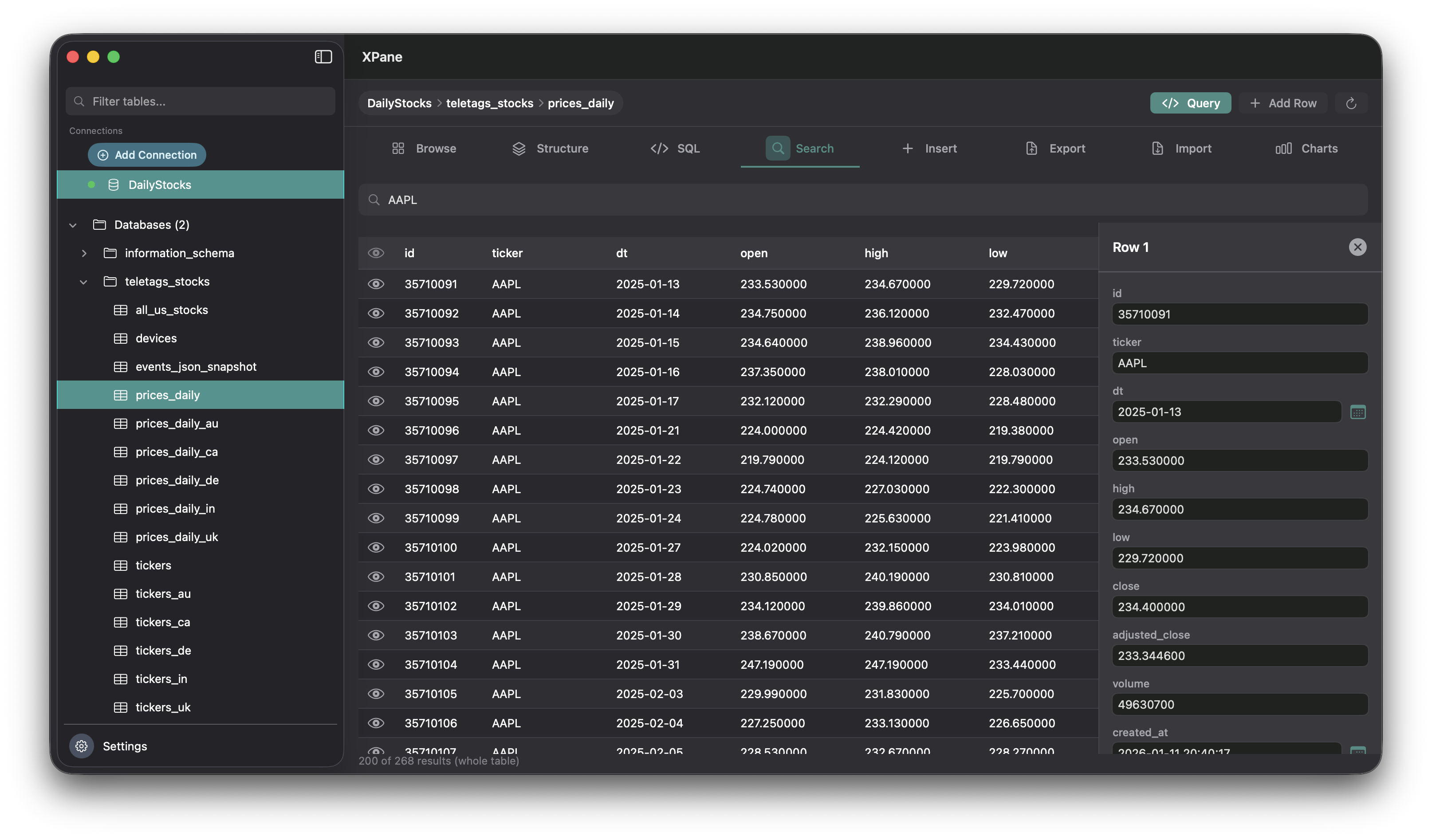

Browse & edit
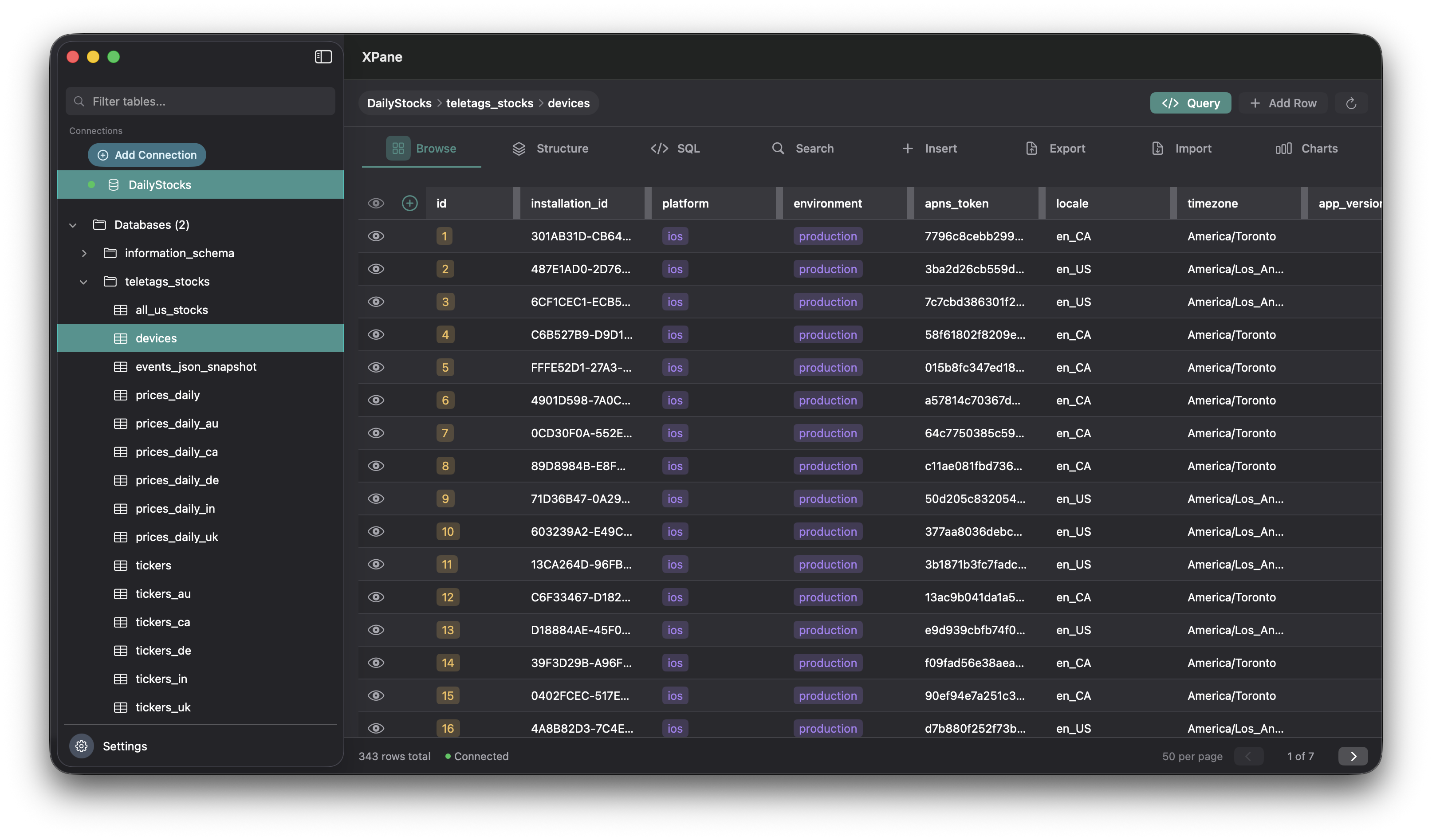
Open any table in a clear grid. Edit inline or use the row detail panel. Switch databases from the sidebar.
Feature details →Developer tools · MySQL first
Enjoy your data. Browse tables, run SQL, use text-to-SQL, and chart your results—all in a native SwiftUI app. No browser tab required.
XPane is the first app under the XPane name. More developer tools for Mac are planned.
Everything you need for day-to-day MySQL on your Mac, without leaving the desktop.
Open any table in a clear grid. Edit inline or use the row detail panel. Switch databases from the sidebar.
Feature details →
Remote search across columns so you find rows without loading entire tables into memory.
Feature details →
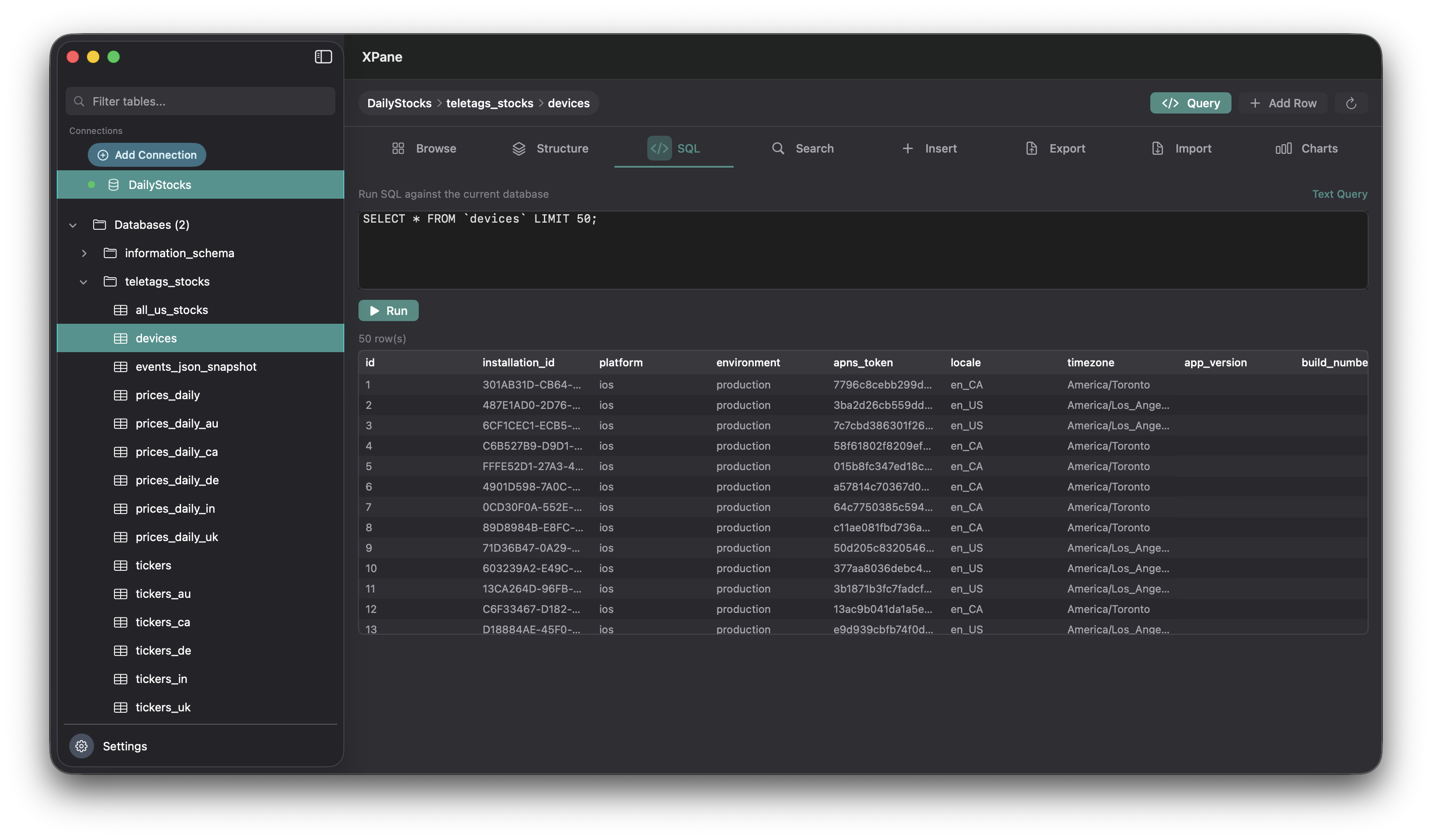
Run SELECT, INSERT, UPDATE, DELETE, or DDL. Results in a grid or clear affected-row feedback.
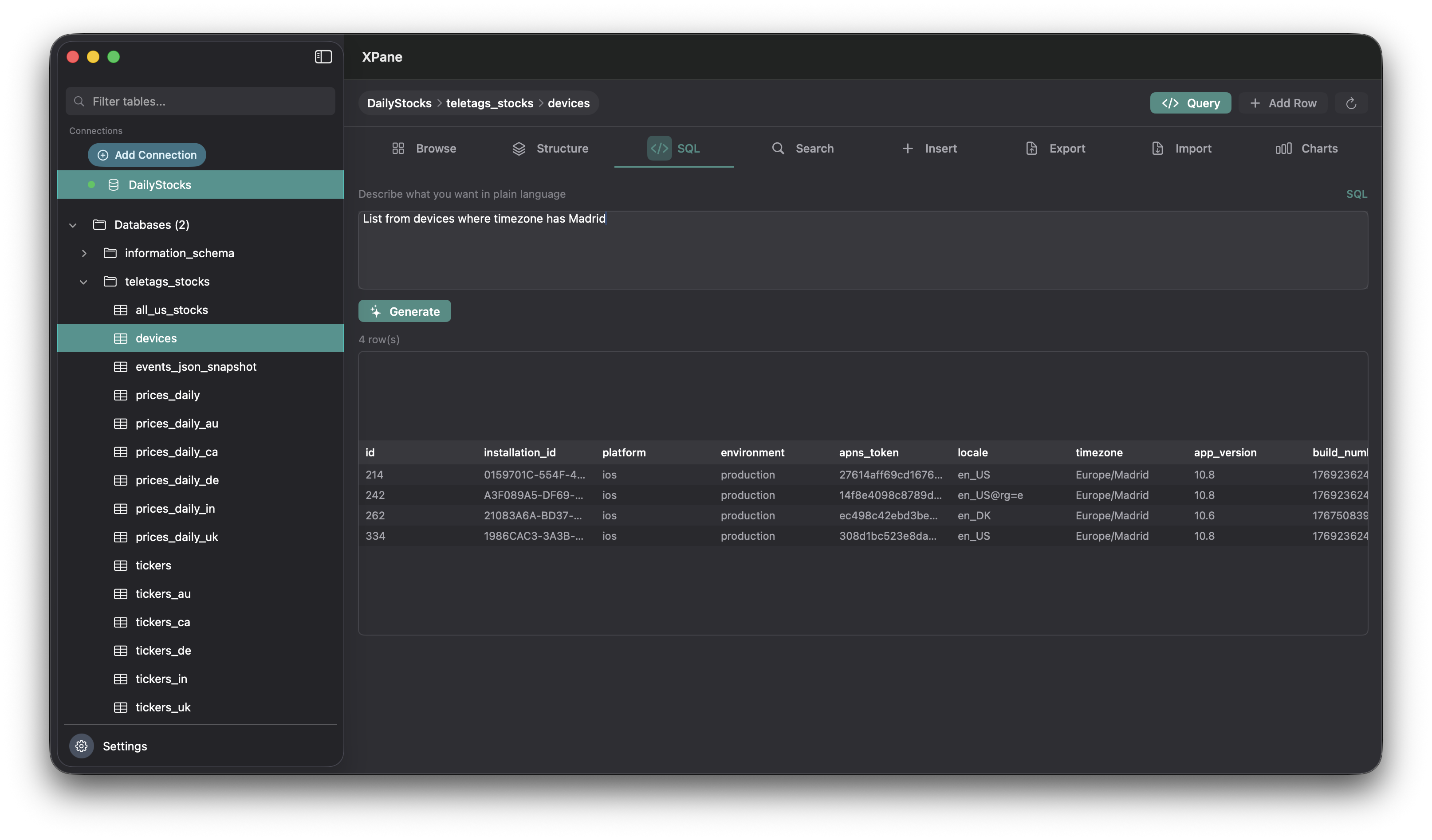
Feature details →Describe what you need in plain language. XPane suggests a MySQL query aligned with your schema.
Feature details →Bar or pie charts from column data—aggregated from your live database for quick distribution checks.
Feature details →Switch chart types when exploring data. Server-side aggregation keeps the app responsive.
Feature details →XPane connects to MySQL and compatible servers through a backend you control or host. Your workflow stays on the Mac: fast UI, light footprint, and a focus on clarity.
About XPaneSee browse, search, SQL, text-to-SQL, and charts in context.

Feels at home on Apple silicon and Intel. Light and dark mode.

Connect to the servers you already run—local or remote.

The app talks to MySQL through a backend you trust. No browser middleman.
Request a download link, ask a question, or leave feedback.
“Finally a native MySQL client for Mac that doesn’t feel like a browser tab. Browse, SQL, and text-to-SQL in one place.”
“Clean interface, fast. Great for ad-hoc queries and quick schema checks. The chart view is handy for distributions.”